How to make the tags
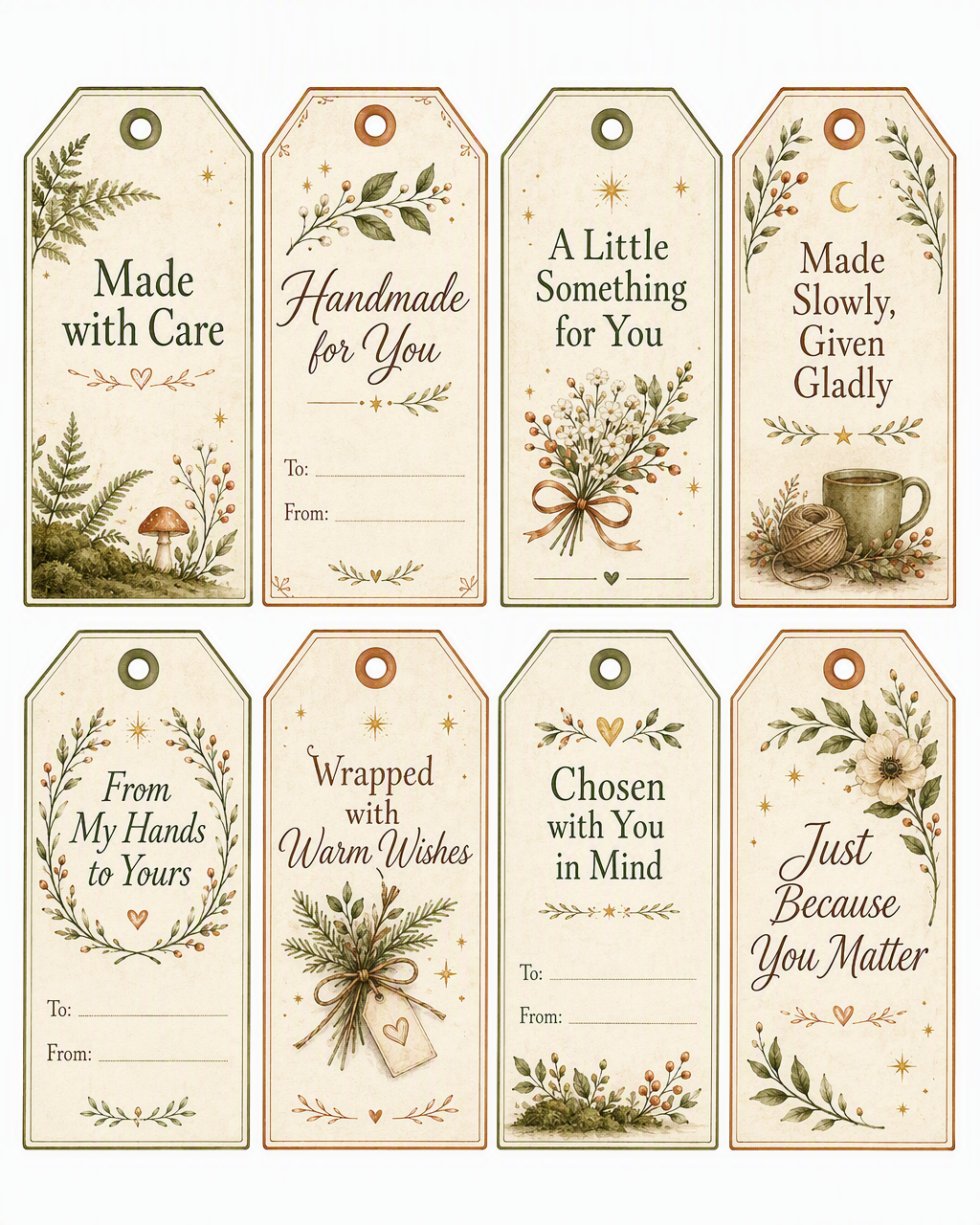
Print the sheet onto white or warm cream card, then carefully cut around each tag. Use the printed circle as a guide for punching the hole.
- Choose light card that your home printer can handle.
- Print at full size or 100% rather than selecting “fit to page”.
- Cut around the outside edge using scissors or a craft knife.
- Punch through the centre of the printed hole.
- Attach with twine, ribbon, yarn or embroidery thread.
- Write names on the reverse when the front has no “To” and “From” lines.
Printer colours and paper shades will vary slightly.
That is part of the charm—each finished set will have
its own softly handmade appearance.
If the tags appear across more than one page in Safari, open the print options and untick Print headers and footers.